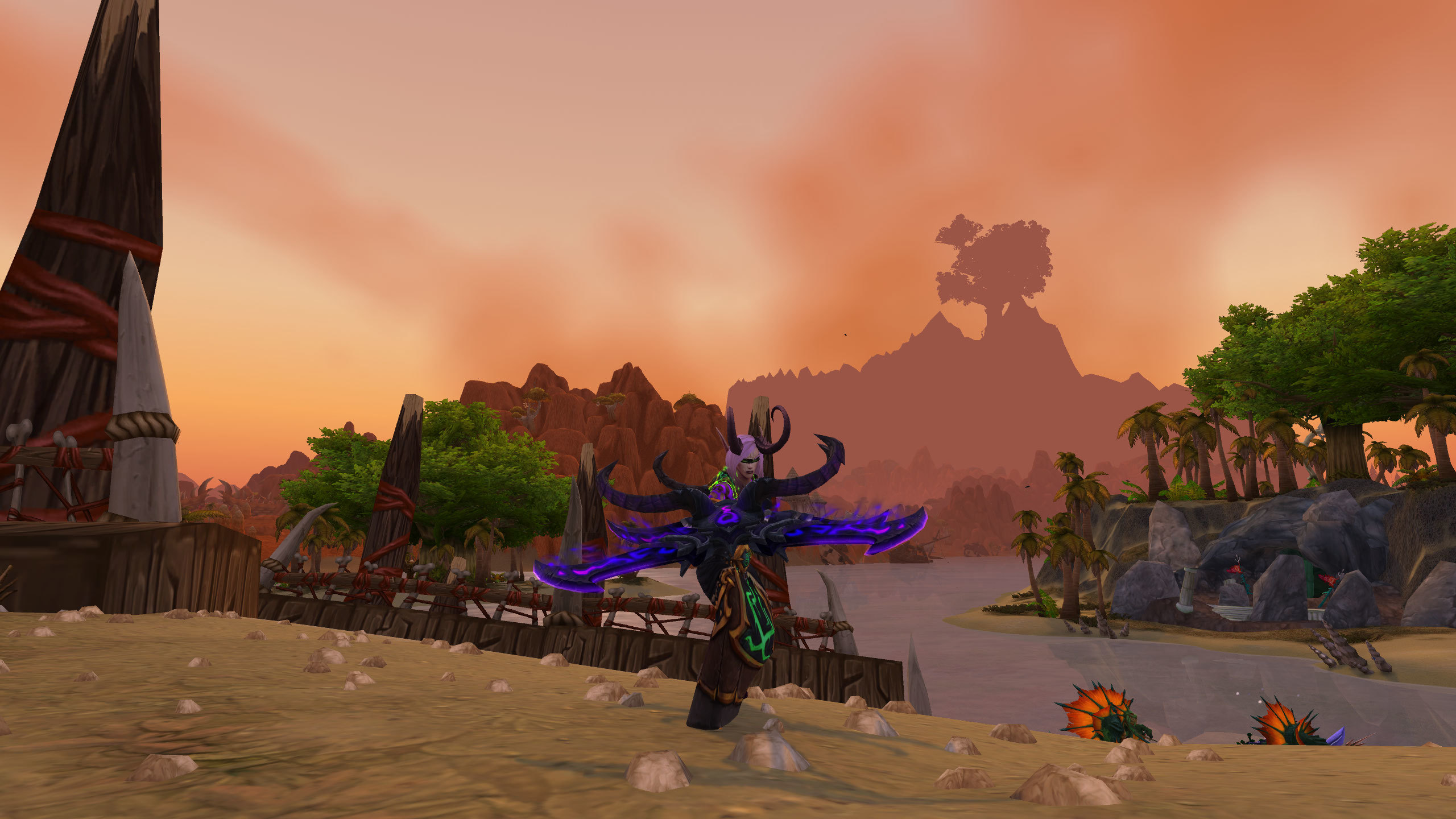
Tanking requires monitoring multiple threats simultaneously: boss abilities, raid health, cooldown status, and positioning. A properly configured user interface provides all necessary information without overwhelming your screen. This guide builds the perfect tanking UI.
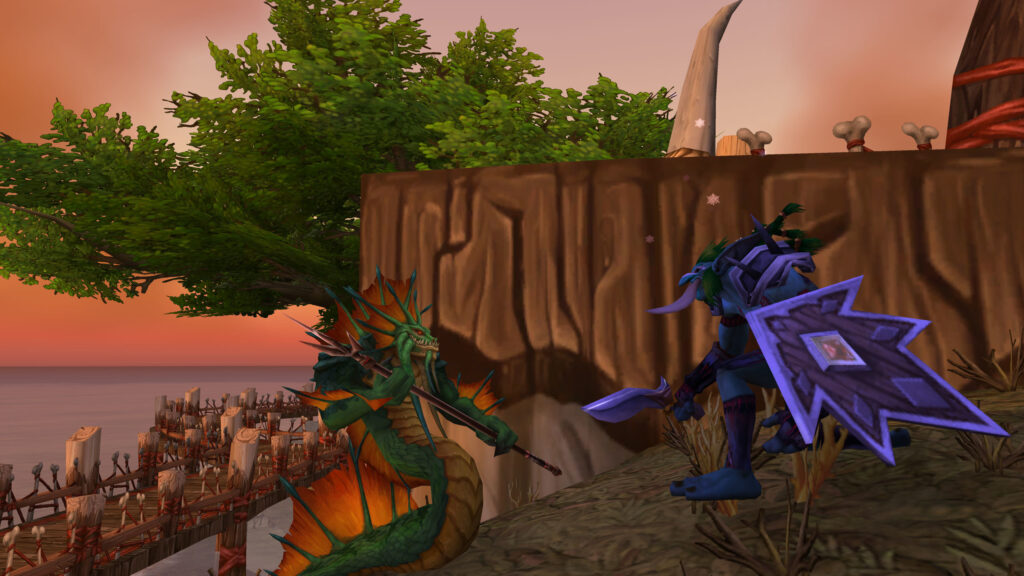
Essential UI Elements
Your player frame must prominently display health, resources, and active buffs. Enemy cast bars need clear visibility for interrupt timing. Raid frames should show incoming damage and debuffs requiring tank swaps.
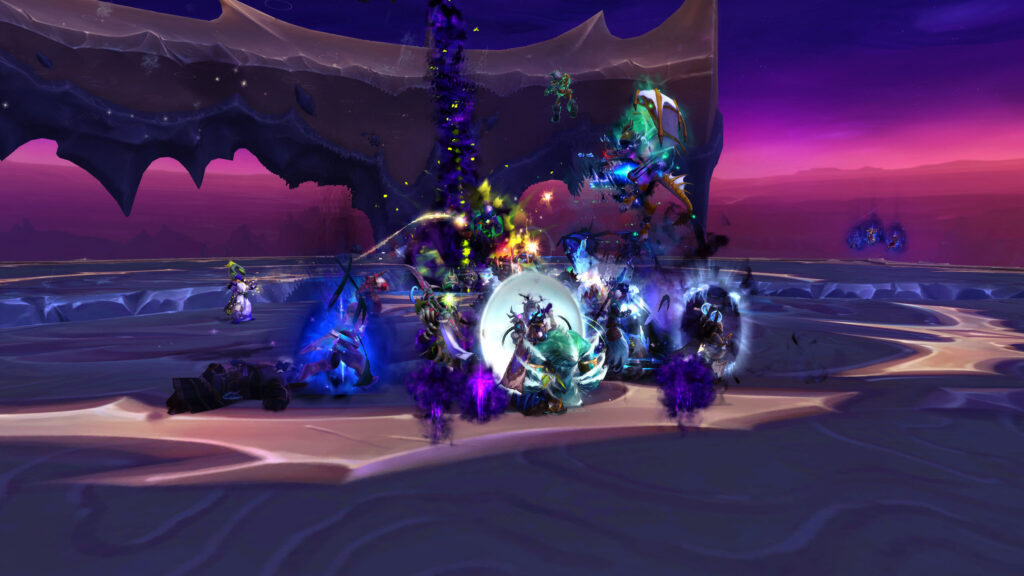
Cooldown tracking displays both personal and raid defensive cooldowns. Threat meters confirm you maintain aggro. Boss timers prepare you for upcoming mechanics and ability sequences.
Recommended Addons
| Addon | Purpose | Priority |
|---|---|---|
| DBM/BigWigs | Boss timers and alerts | Critical |
| Details! Threat | Aggro monitoring | Critical |
| WeakAuras | Cooldown tracking | Critical |
| ElvUI | Complete UI replacement | High |
| Plater | Enhanced nameplates | High |
| Method Raid Tools | Raid utility tracking | Medium |
Screen Layout
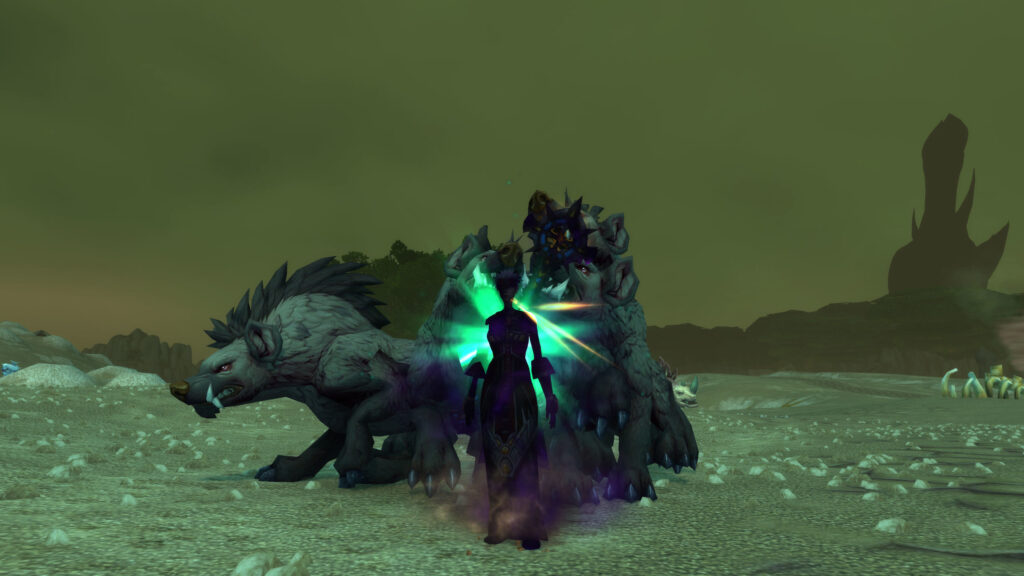
Keep your center screen clear for boss mechanics. Position raid frames on the left or right periphery. Place your player frame near the center for easy visibility. Action bars should sit at the bottom without obscuring character models.
Test your UI in actual content before progression raiding. Adjust element sizes for quick recognition. Less information displayed clearly beats overwhelming detail you can’t process quickly.
Leave a Reply